
排列提示
排列提示允许您使用单个 /imagine 命令快速生成提示的变体。通过在提示中使用用逗号 , 分隔的选项列表,您可以创建带有不同选项组合的多个提示版本。
基础订阅用户可以使用单个排列提示创建最多4个作业。 标准订阅用户可以使用单个排列提示创建最多10个作业。 专业和超级订阅用户可以使用单个排列提示创建最多40个作业。
您可以使用排列提示来创建涉及 Midjourney 提示的任何部分(包括文本、图像提示、参数或提示权重)的组合和排列。排列提示仅在使用 Fast 模式时可用。
在大括号 {} 中分隔您的选项列表,以快速创建和处理多个提示变体。
提示示例:
/imagine prompt a {red, green, yellow} bird 创建和处理三个作业。
/imagine prompt` `a red bird`
`/imagine prompt` `a green bird`
`/imagine prompt` `a yellow bird
GPU 分钟
Midjourney 机器人将每个排列提示变体作为一个独立的作业进行处理。每个作业都会消耗 GPU 分钟。
排列提示将在开始处理之前显示确认消息。
提示 /imagine prompt a naturalist illustration of a {pineapple, blueberry, rambutan, banana} bird 将创建并处理四个作业:
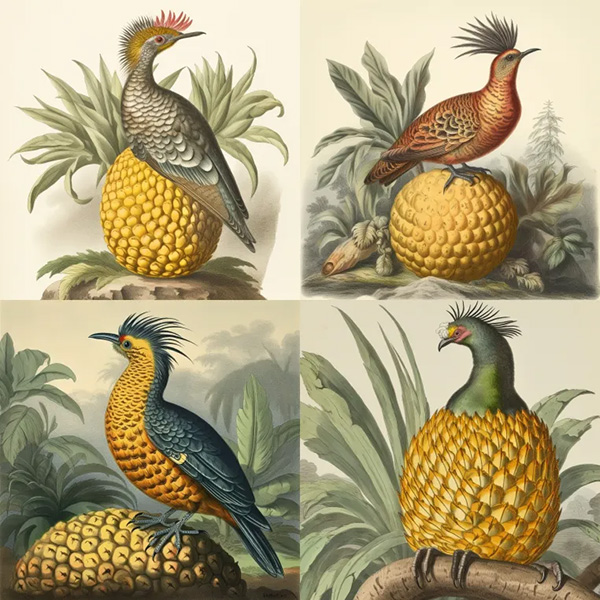
a naturalist illustration of a pineapple bird
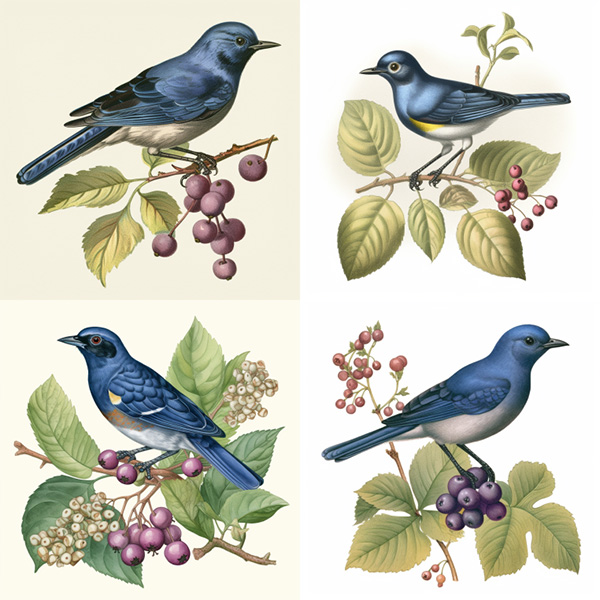
a naturalist illustration of a blueberry bird
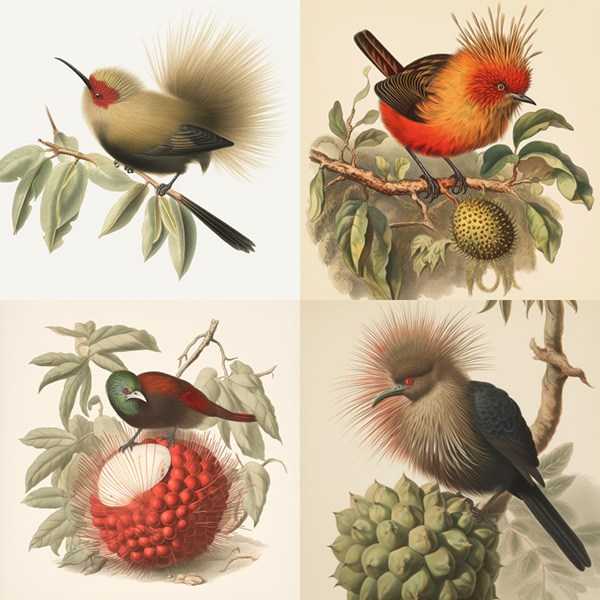
a naturalist illustration of a rambutan bird
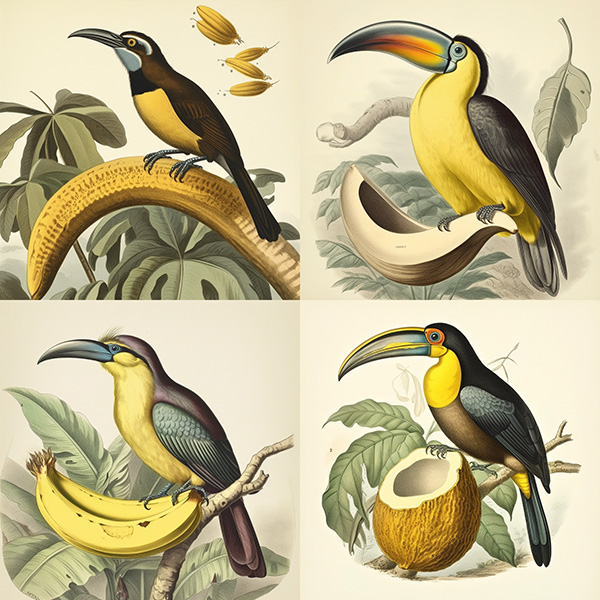
a naturalist illustration of a banana bird
提示 /imagine prompt a naturalist illustration of a fruit salad bird --ar {3:2, 1:1, 2:3, 1:2} 将创建并处理四个具有不同纵横比的作业:
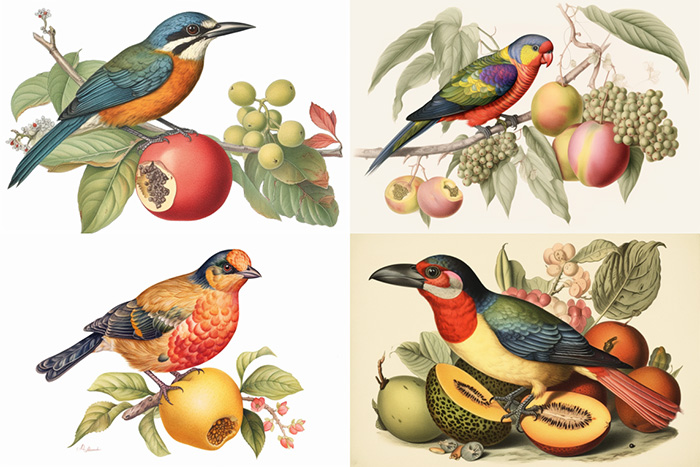
a naturalist illustration of a fruit salad bird –ar 3:2
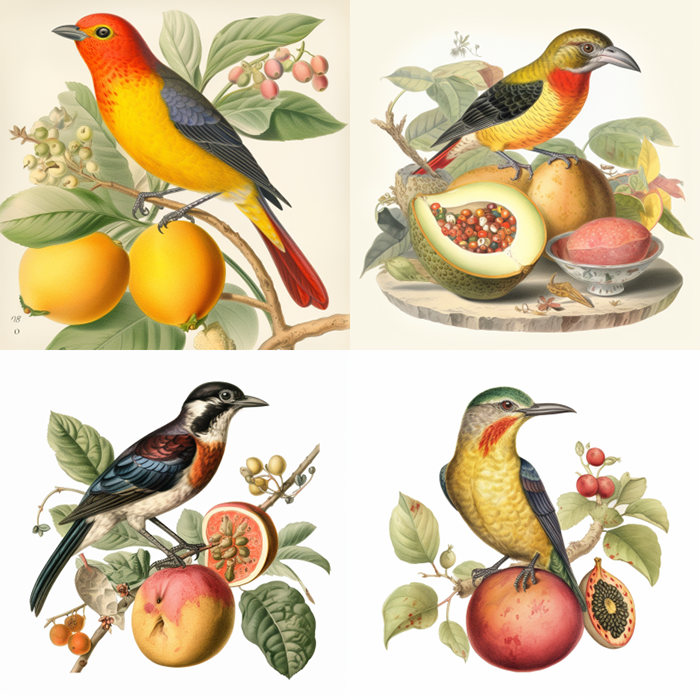
a naturalist illustration of a fruit salad bird –ar 1:1
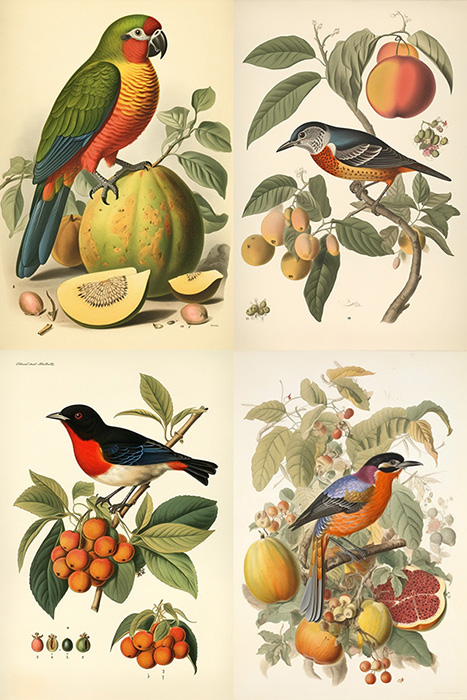
a naturalist illustration of a fruit salad bird –ar 2:3
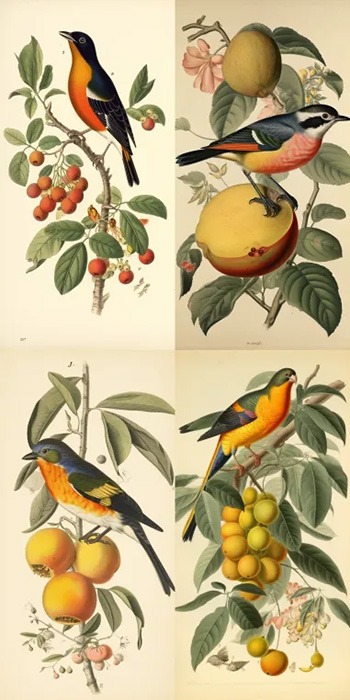
a naturalist illustration of a fruit salad bird –ar 1:2
提示 /imagine prompt a naturalist illustration of a fruit salad bird --{v 5, niji, test} 将使用不同的 Midjourney 模型版本创建并处理三个作业:
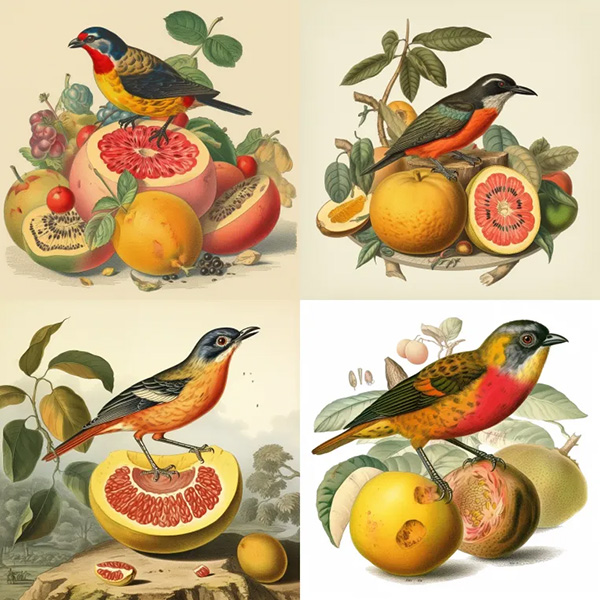
a naturalist illustration of a fruit salad bird –v 5
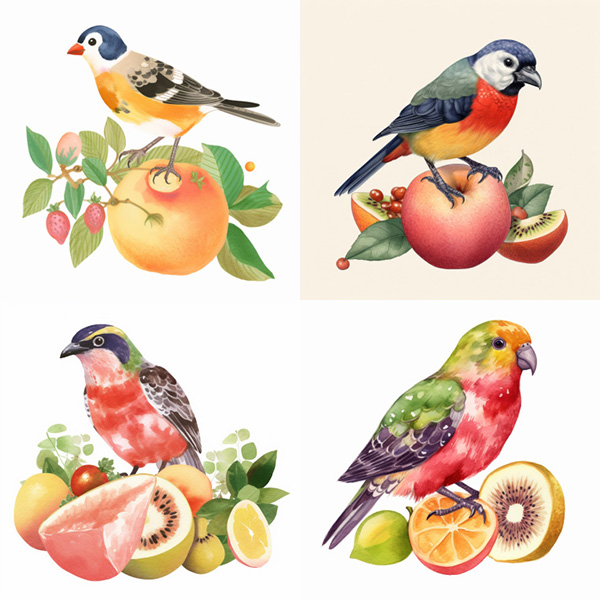
a naturalist illustration of a fruit salad bird –niji
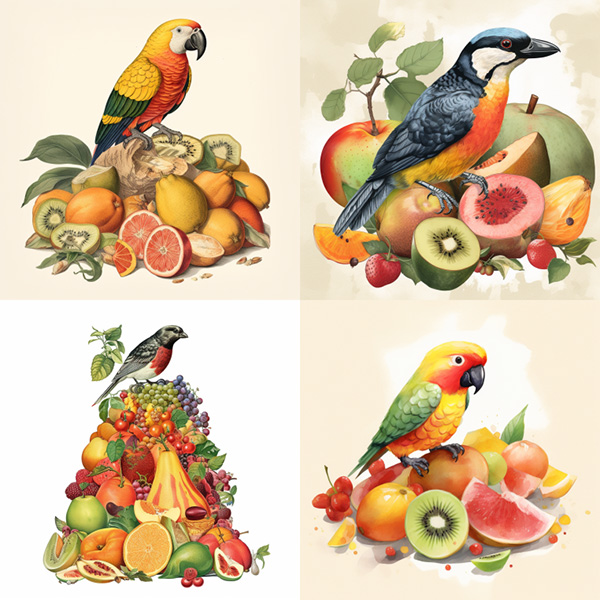
a naturalist illustration of a fruit salad bird –test
您可以在单个提示中使用多个带括号的选项集合。
/imagine prompt a {red, green} bird in the {jungle, desert} 将创建并处理四个作业。
/imagine prompt` `a red bird in the jungle`
`/imagine prompt` `a red bird in the desert`
`/imagine prompt` `a green bird in the jungle`
`/imagine prompt` `a green bird in the desert
您还可以在单个提示中嵌套带括号的选项集合:
示例:/imagine prompt A {sculpture, painting} of a {seagull {on a pier, on a beach}, poodle {on a sofa, in a truck}}.
/imagine prompt` `A sculpture of a seagull on a pier.`
`/imagine prompt` `A sculpture of a seagull on a beach.`
`/imagine prompt` `A sculpture of a poodle on a sofa.`
`/imagine prompt` `A sculpture of a poodle in a truck.`
`/imagine prompt` `A painting of a seagull on a pier.`
`/imagine prompt` `A painting of a seagull on a beach.`
`/imagine prompt` `A painting of a poodle on a sofa.`
`/imagine prompt` `A painting of a poodle in a truck.
如果您想在花括号内包含一个 , ,但不希望其充当分隔符,请在其前面放置一个反斜杠 \。
/imagine prompt` `{red, pastel, yellow} bird` 会生成三个作业
`/imagine prompt` `a red bird`
`/imagine prompt` `a pastel bird`
`/imagine prompt` `a yellow bird
/imagine prompt` `{red, pastel \, yellow} bird` 会生成两个作业
`/imagine prompt` `a red bird`
`/imagine prompt` `a pastel, yellow bird