
Permutation Prompts
Permutation Prompts allow you to quickly generate variations of a Prompt with a single /imagine command. By including lists of options separated with commas , within curly braces {} in your prompt, you can create multiple versions of a prompt with different combinations of those options.
Basic Subscribers can create a maximum of 4 Jobs with a single Permutation Prompt. Standard Subscribers can create a maximum of 10 Jobs with a single Permutation Prompt. Pro and Mega Subscribers can create a maximum of 40 Jobs with a single Permutation Prompt.
You can use Permutation Prompts to create combinations and permutations involving any part of a Midjourney Prompt, including text, image prompts, parameters, or prompt weights. Permutation prompts are only available while using Fast mode.
Separate your list of options within curly brackets {} to quickly create and process multiple prompt variations.
Prompt Example:
/imagine prompt a {red, green, yellow} bird creates and processes three Jobs.
/imagine prompt` `a red bird`
`/imagine prompt` `a green bird`
`/imagine prompt` `a yellow bird
GPU Minutes
The Midjourney Bot processes each Permutation Prompt variation as an individual Job. Each Job consumes GPU minutes.
Permutation Prompts will show a confirmation message before they begin processing.
The prompt /imagine prompt a naturalist illustration of a {pineapple, blueberry, rambutan, banana} bird will create and process four Jobs:
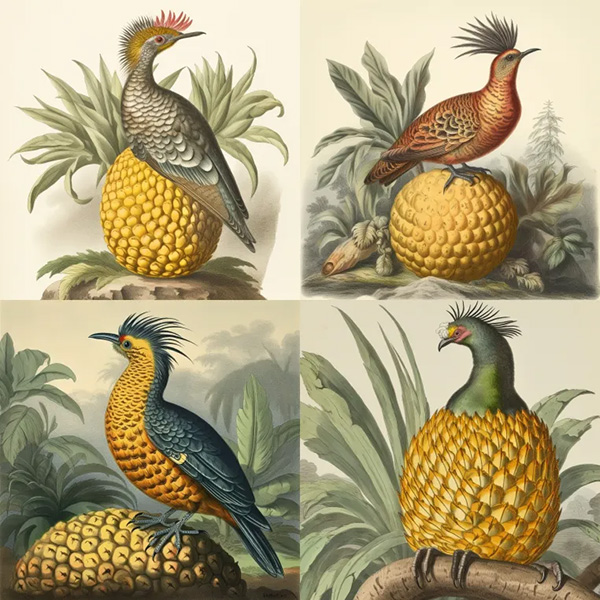
a naturalist illustration of a pineapple bird
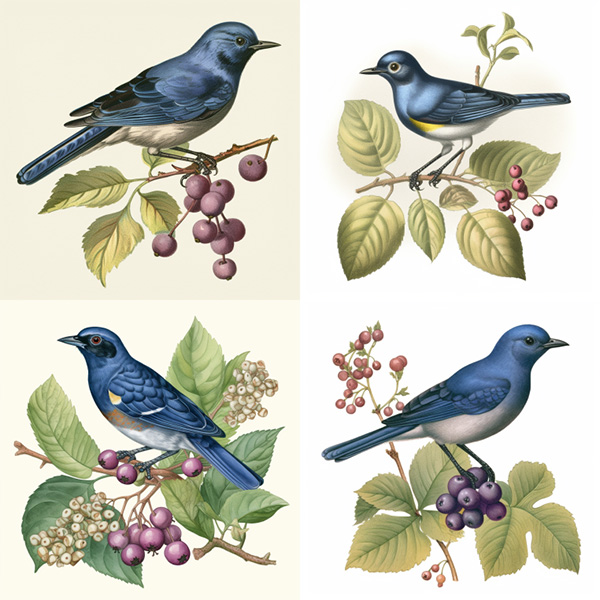
a naturalist illustration of a blueberry bird
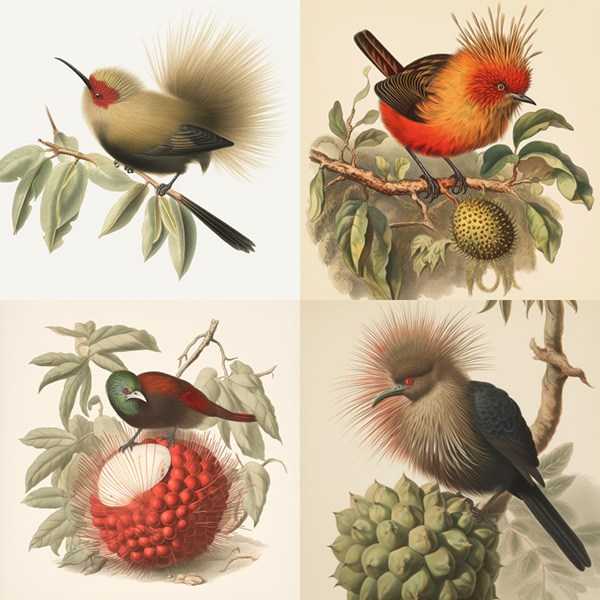
a naturalist illustration of a rambutan bird
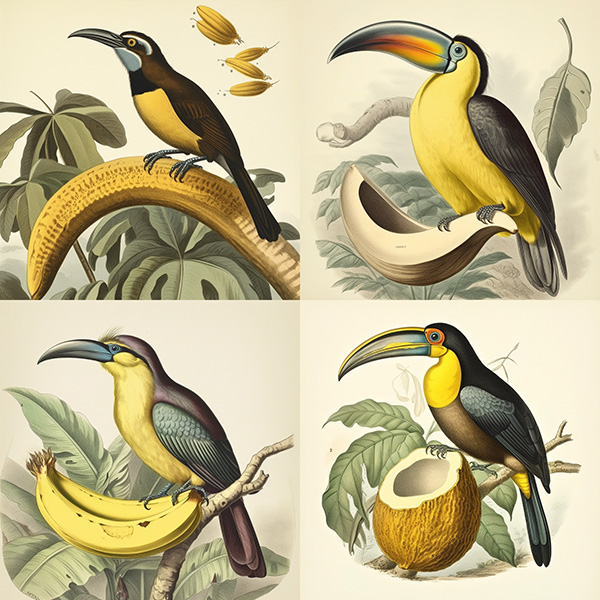
a naturalist illustration of a banana bird
The prompt /imagine prompt a naturalist illustration of a fruit salad bird --ar {3:2, 1:1, 2:3, 1:2} will create and process four Jobs with different aspect ratios:
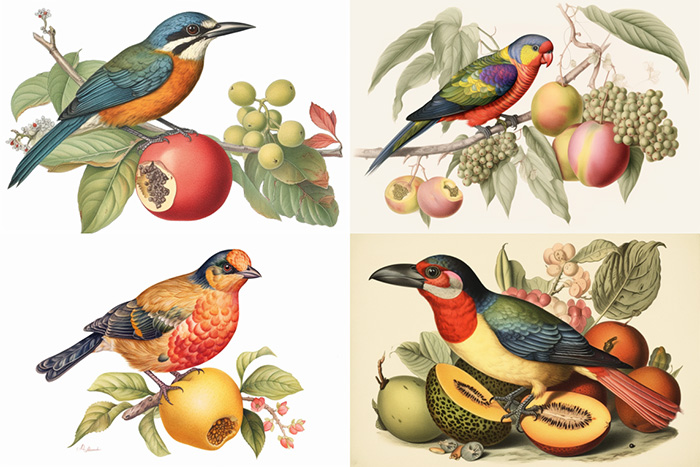
a naturalist illustration of a fruit salad bird –ar 3:2
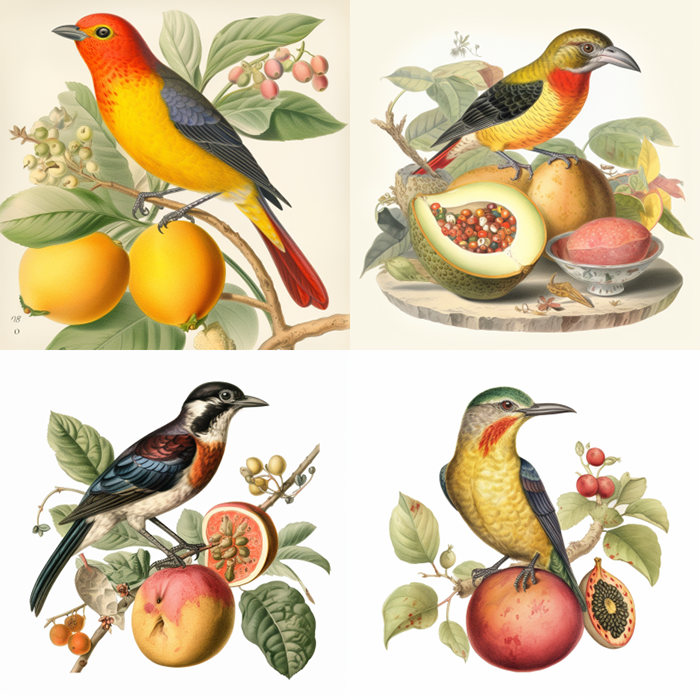
a naturalist illustration of a fruit salad bird –ar 1:1
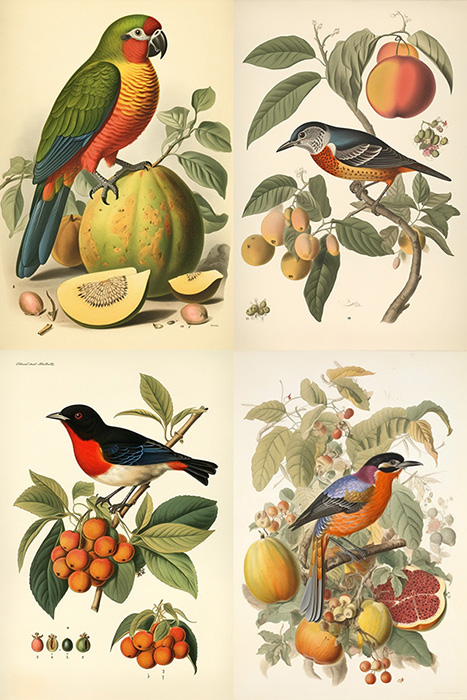
a naturalist illustration of a fruit salad bird –ar 2:3
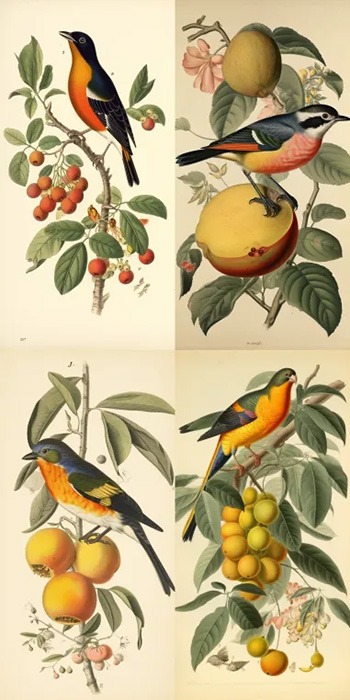
a naturalist illustration of a fruit salad bird –ar 1:2
The prompt /imagine prompt a naturalist illustration of a fruit salad bird --{v 5, niji, test} will create and process three Jobs using different Midjourney Model Versions:
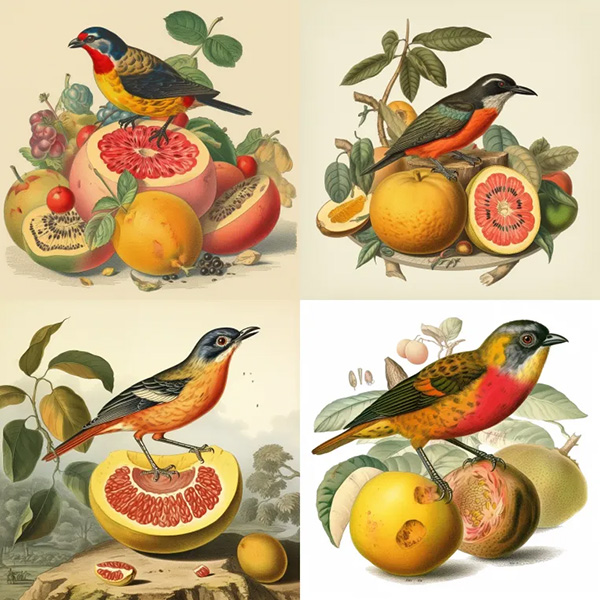
a naturalist illustration of a fruit salad bird –v 5
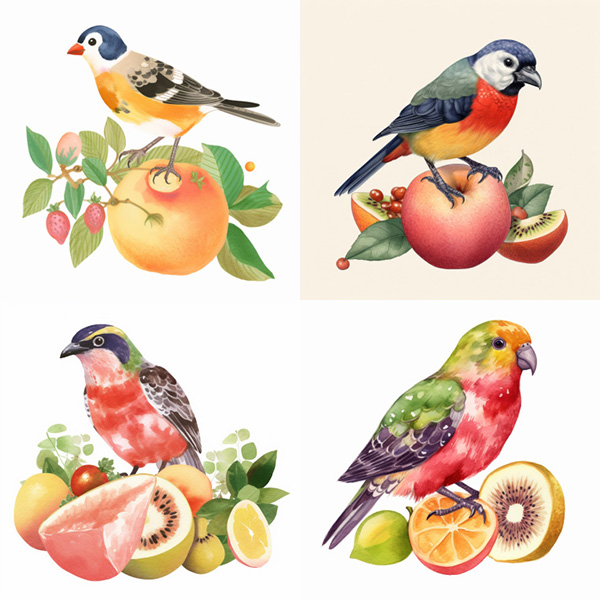
a naturalist illustration of a fruit salad bird –niji
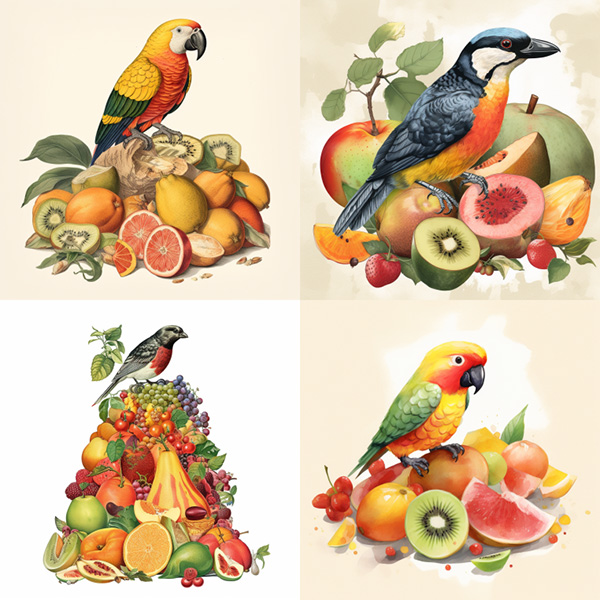
a naturalist illustration of a fruit salad bird –test
It is possible to use multiple sets of bracketed options in a single prompt.
/imagine prompt a {red, green} bird in the {jungle, desert} creates and processes four Jobs.
/imagine prompt` `a red bird in the jungle`
`/imagine prompt` `a red bird in the desert`
`/imagine prompt` `a green bird in the jungle`
`/imagine prompt` `a green bird in the desert
It is also possible to nest sets of bracketed options inside other sets of brackets within a single prompt:
Example: /imagine prompt A {sculpture, painting} of a {seagull {on a pier, on a beach}, poodle {on a sofa, in a truck}}.
/imagine prompt` `A sculpture of a seagull on a pier.`
`/imagine prompt` `A sculpture of a seagull on a beach.`
`/imagine prompt` `A sculpture of a poodle on a sofa.`
`/imagine prompt` `A sculpture of a poodle in a truck.`
`/imagine prompt` `A painting of a seagull on a pier.`
`/imagine prompt` `A painting of a seagull on a beach.`
`/imagine prompt` `A painting of a poodle on a sofa.`
`/imagine prompt` `A painting of a poodle in a truck.
If you want to include a , within the curly brackets that does not act as a separator place a backslash \ directly before it.
imagine prompt` `{red, pastel, yellow} bird` produces three Jobs
`/imagine prompt` `a red bird`
`/imagine prompt` `a pastel bird`
`/imagine prompt` `a yellow bird
imagine prompt` `{red, pastel \, yellow} bird` produces two Jobs
`/imagine prompt` `a red bird`
`/imagine prompt` `a pastel, yellow bird