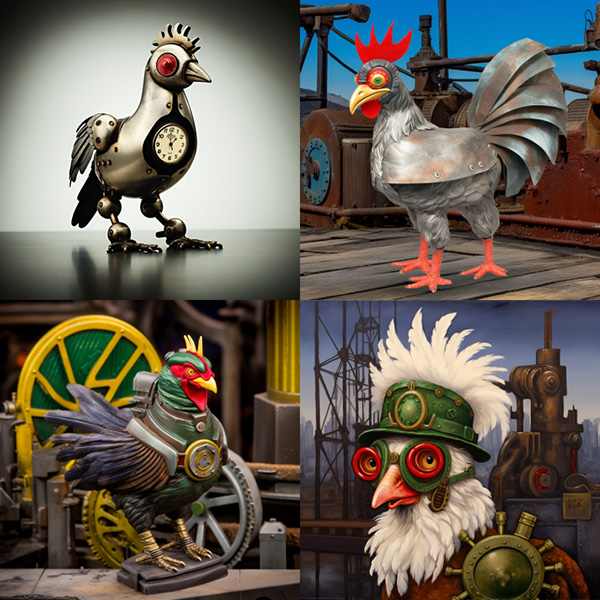
Midjourney Documentations
Toggle Dark/Light/Auto mode Toggle Dark/Light/Auto mode Toggle Dark/Light/Auto mode Back to homepage

Weird


Explore unconventional aesthetics with the experimental --weird or --w parameter. This parameter introduces quirky and offbeat qualities to your generated images, resulting in unique and unexpected outcomes.

--weird accepts values: 0–3000. The default –weird value is 0. –weird is a highly experimental feature. What’s weird may change over time –weird is compatible with Midjourney Model Versions 5, 5.1, and 5.2 –weird is not fully compatible with seeds


The Influence of Weird on Jobs

The optimal --weird value is dependent on the prompt and requires experimentation. Try starting with smaller values, such as 250 or 500, and then go up/down from there. If you want a generation to be conventionally attractive and weird, try mixing higher --stylize values with --weird. Try starting with similar values for both. Example /imagine prompt cyanotype cat --stylize 250 --weird 250.

prompt example: /imagine prompt cyanotype cat --weird 250
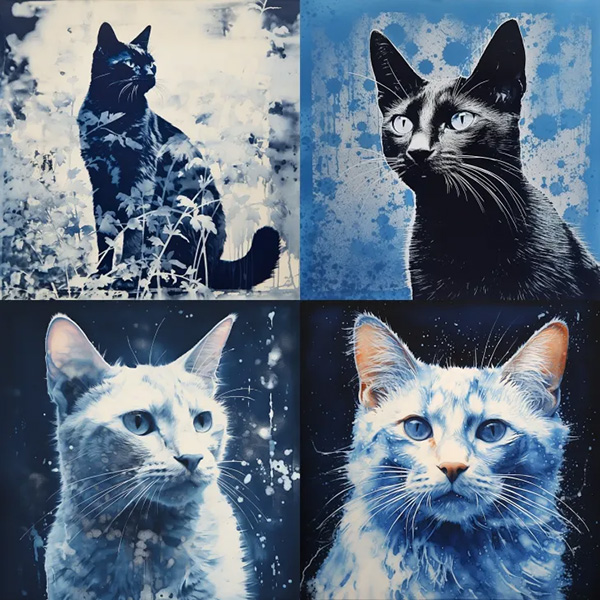
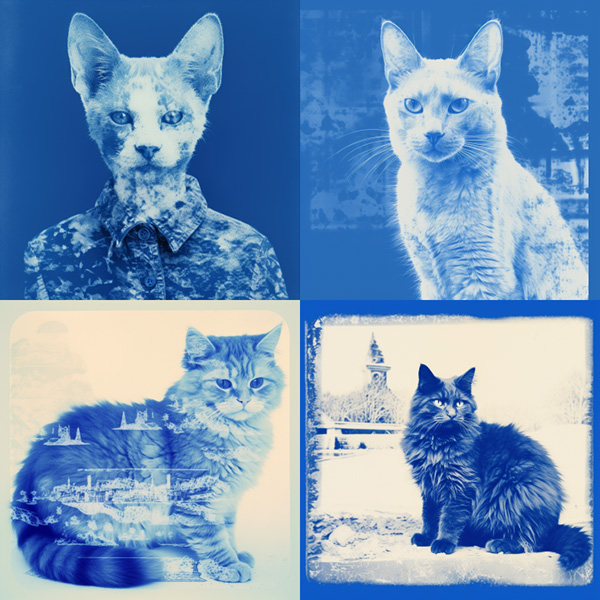
--weird 0

Example image generated using the Midjourney weird parameter, prompt: cyanotype cat –weird 0

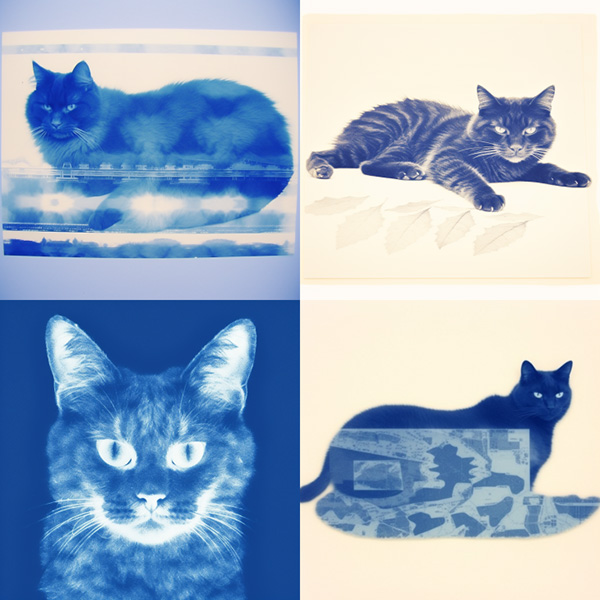
--weird 250

Example image generated using the Midjourney weird parameter, prompt: cyanotype cat –weird 250

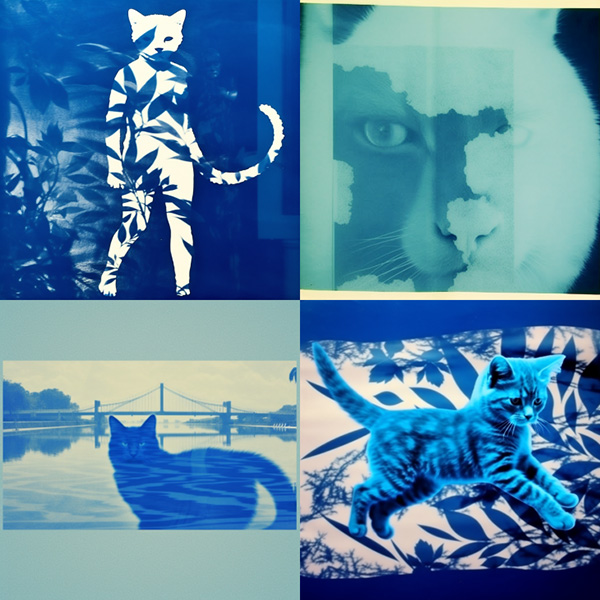
--weird 500

Example image generated using the Midjourney weird parameter, prompt: cyanotype cat –weird 500

--weird 1000

Example image generated using the Midjourney weird parameter, prompt: cyanotype cat –weird 1000

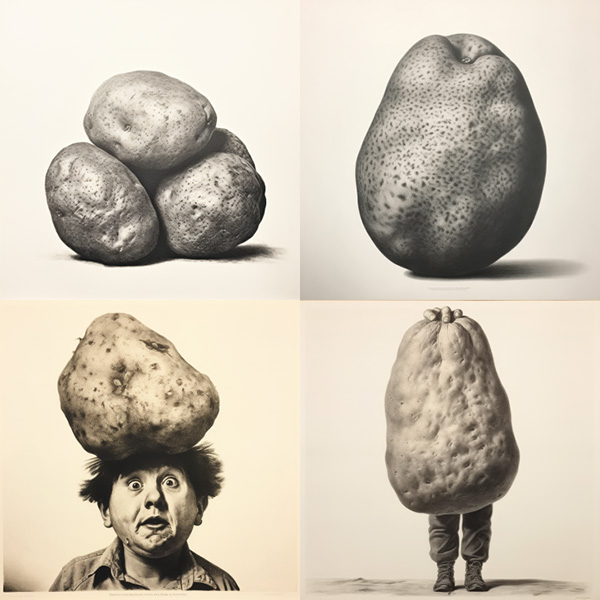
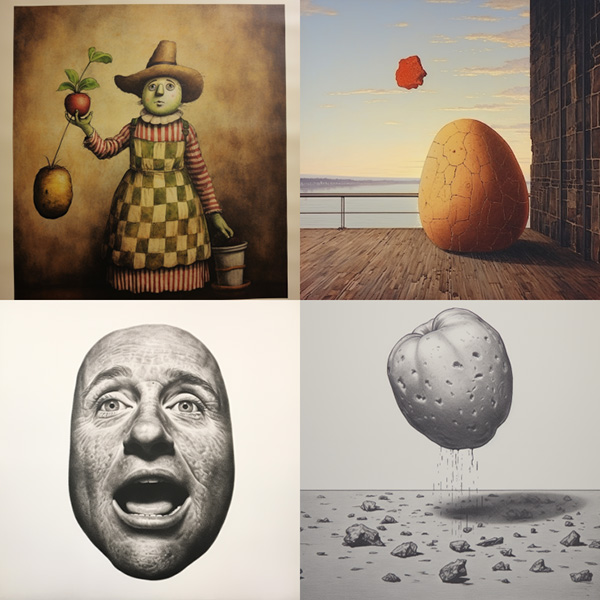
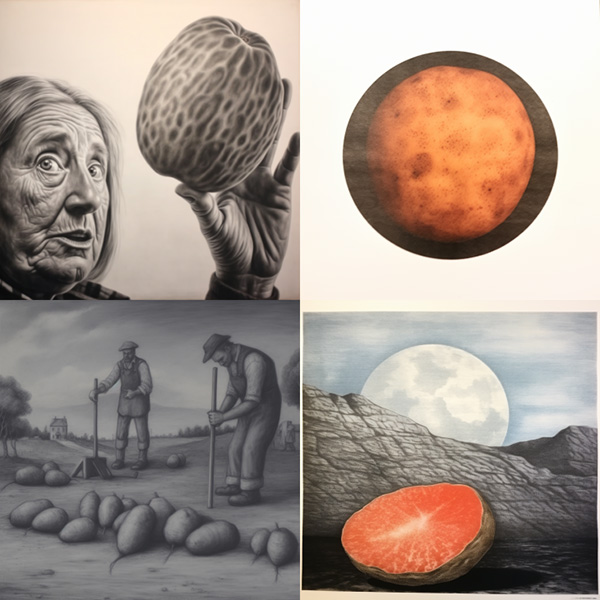
prompt example: /imagine prompt lithograph potato --weird 250
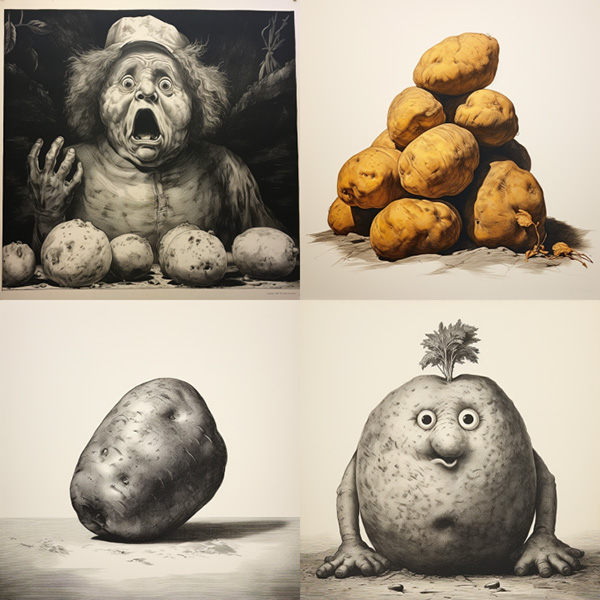
--weird 0

Example image generated using the Midjourney weird parameter, prompt: lithograph potato –weird 0

--weird 250

Example image generated using the Midjourney weird parameter, prompt: lithograph potato –weird 250

--weird 500

Example image generated using the Midjourney weird parameter, prompt: lithograph potato –weird 500

--weird 1000

Example image generated using the Midjourney weird parameter, prompt: lithograph potato –weird 1000

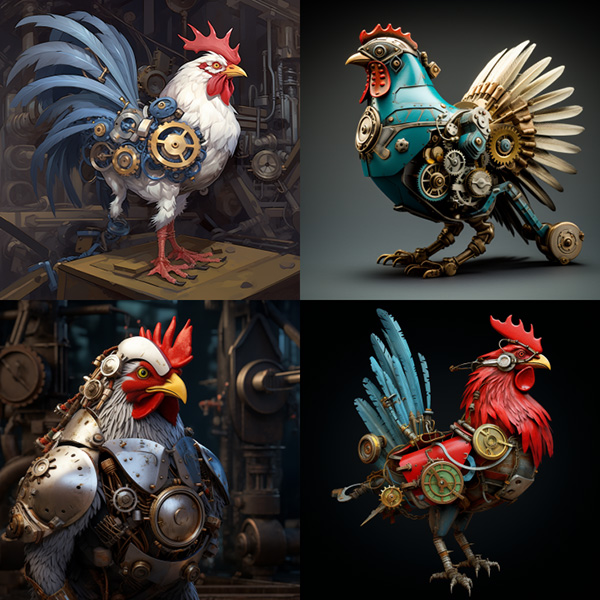
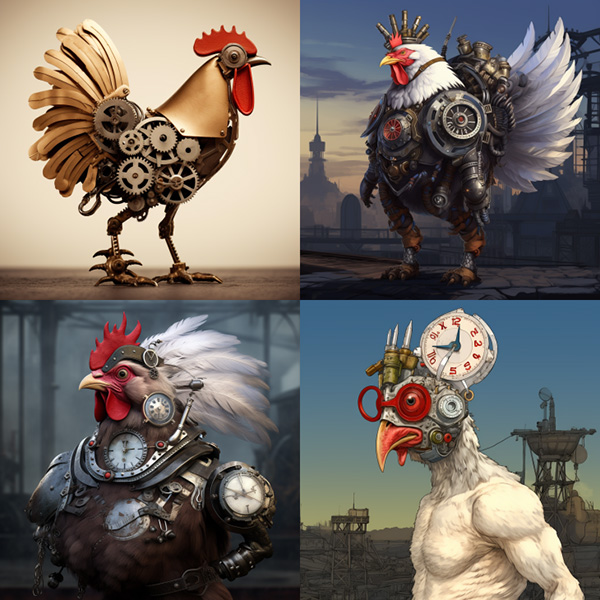
prompt example: /imagine prompt clockwork chicken --weird 250
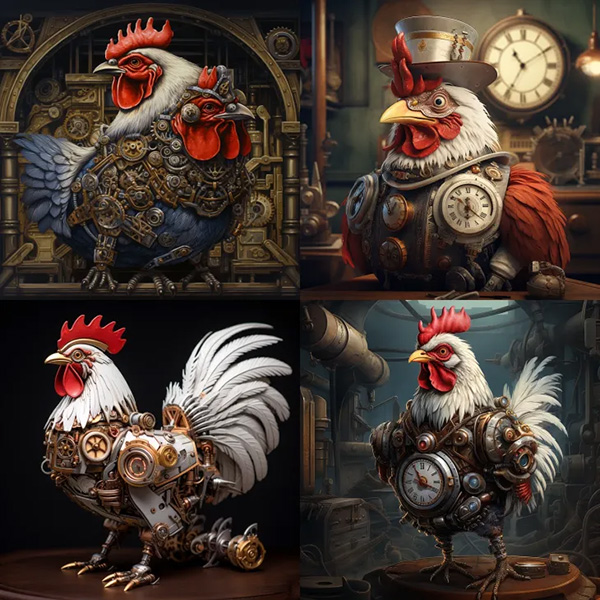
--weird 0

Example image generated using the Midjourney weird parameter, prompt: lithograph potato –weird 0

--weird 250

Example image generated using the Midjourney weird parameter, prompt: lithograph potato –weird 250

--weird 500

Example image generated using the Midjourney weird parameter, prompt: lithograph potato –weird 500

--weird 1000

Example image generated using the Midjourney weird parameter, prompt: lithograph potato –weird 1000


What’s the difference between --weird, --chaos, and --stylize?

--chaos controls how diverse the initial grid images are from each other. --stylize controls how strongly Midjourney’s default aesthetic is applied. --weird controls how unusual an image is compared to previous Midjourney images.


How to Use the Weird Parameter

Add --weird <value> or --w <value> to the end of your prompt.

Animated Gif showing how the Midjourney version weird is typed