
Seeds
The Midjourney bot uses a seed number to create a field of visual noise, like television static, as a starting point to generate the initial image grids. Seed numbers are generated randomly for each image but can be specified with the --seed parameter. If you use the same seed number and prompt, you will get similar final images.
--seedaccepts whole numbers 0–4294967295.--seedvalues only influence the initial image grid.- Identical
--seedvalues using Model Versions1,2,3,test, andtestpwill produce images with similar composition, color, and details. - Identical
--seedvalues using Model Versions4,5, andnijiwill produce nearly identical images. - Seed numbers are not static and should not be relied upon between sessions.
If no Seed is specified, Midjourney will use a randomly generated seed number, producing a wide variety of options each time a prompt is used.
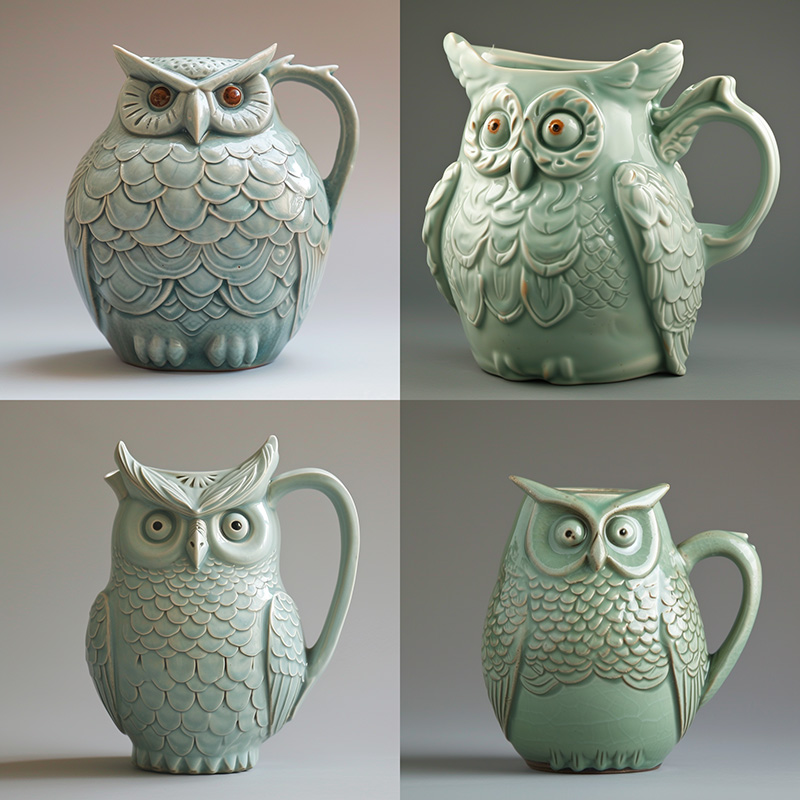
prompt example: /imagine prompt celadon owl pitcher
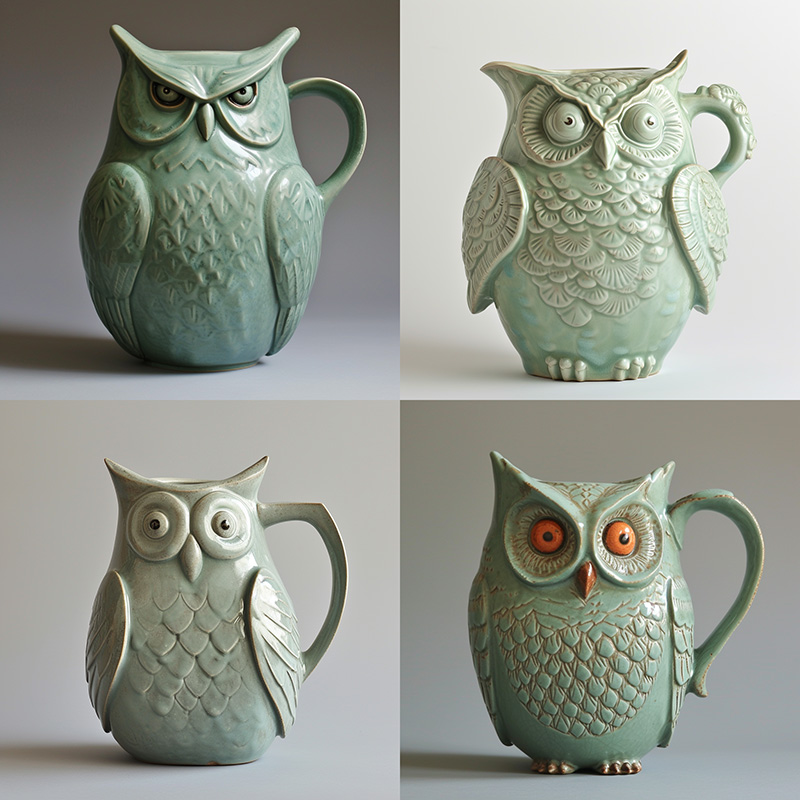
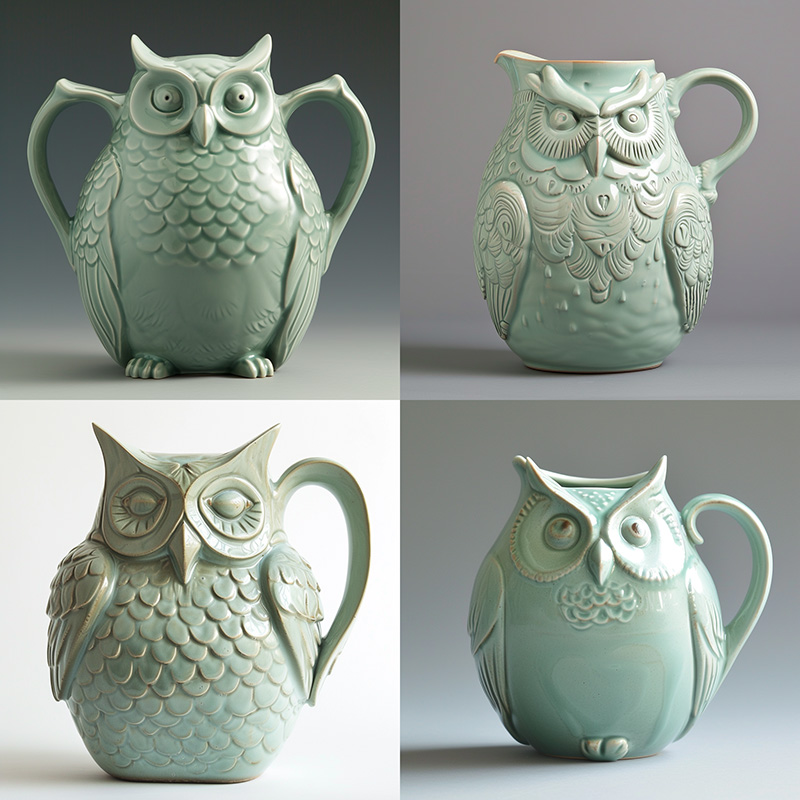
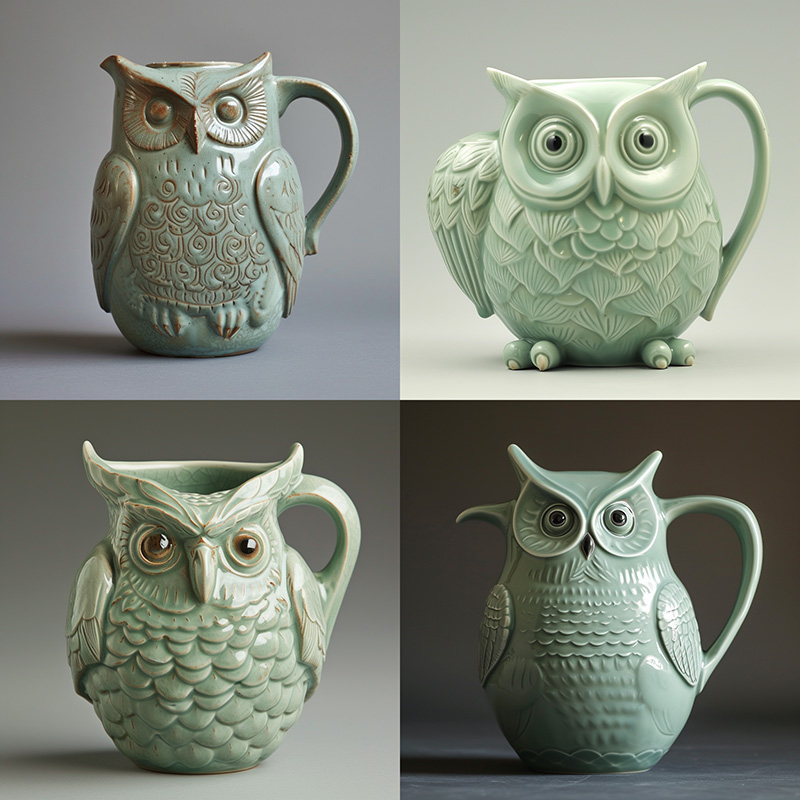
prompt example: /imagine prompt celadon owl pitcher --seed 123
Find the seed number of a Job in discord by reacting with an ✉️ envelope emoji to a Job.
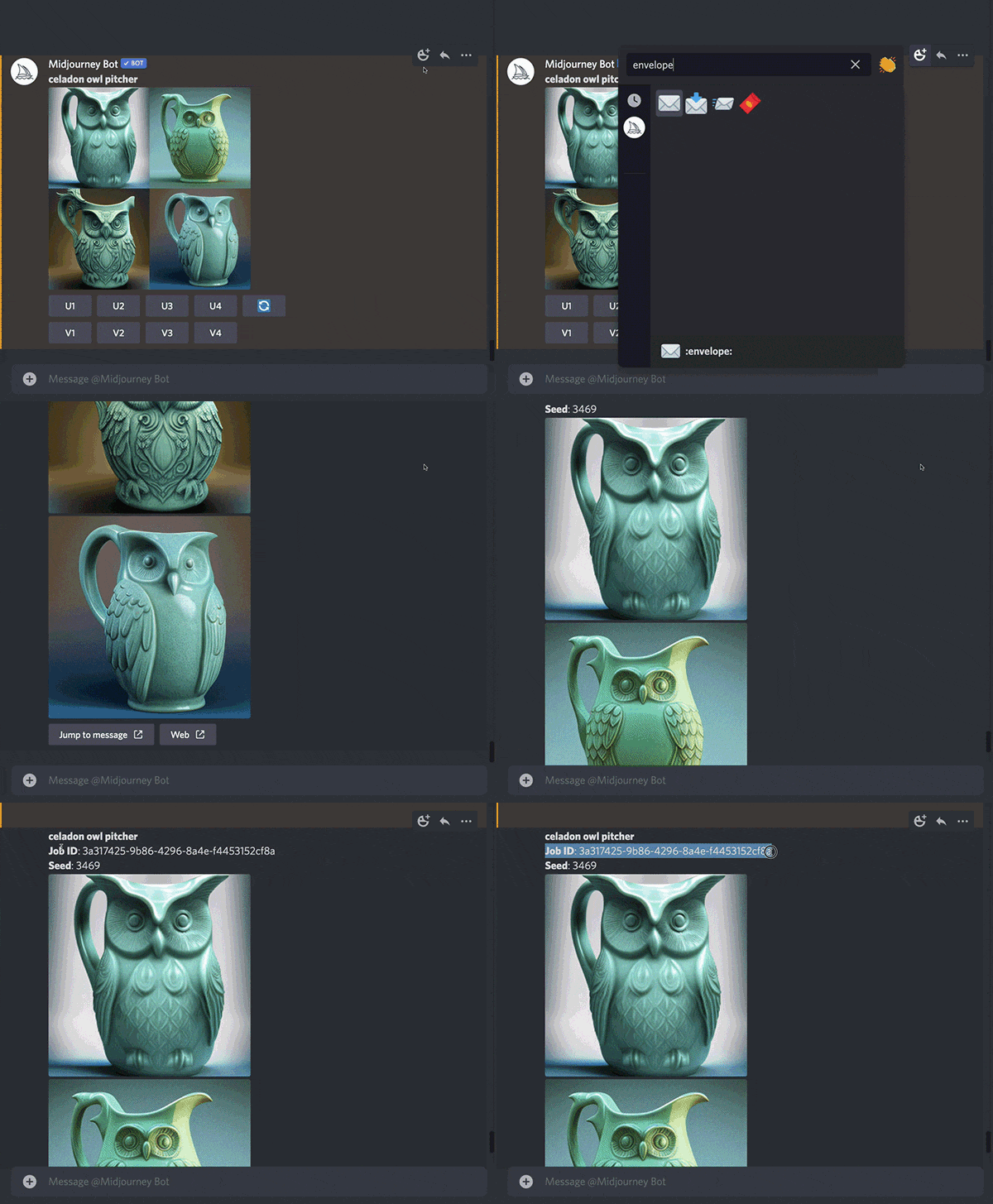
To get the seed number for a past image, copy the job ID and use the /show <Job ID #> command with that ID to revive the Job. You can then react to the newly regenerated Job with an ✉️ envelope emoji.
Add --seed <value> to the end of your prompt.
