Quality
The --quality or --q parameter changes how much time is spent generating an image. Higher-quality settings take longer to process and produce more details. Higher values also mean more GPU minutes are used per job. The quality setting does not impact resolution.
The default --quality value is 1.
--quality only accepts the values: .25, .5, and 1 for the current model. Larger values are rounded down to 1.
--quality only influences the initial image generation.
--quality works with Model Versions 4, 5, 5.1, 5.2, and niji 5.
Higher --quality settings aren’t always better. Sometimes a lower --quality settings can produce better results—depending on the image you’re trying to create. Lower --quality settings might be best for a gestural abstract look. Higher --quality values may improve the look of architectural images that benefit from many details. Choose the setting that best matches the kind of image you’re hoping to create.
| Model Version | Quality .25 | Quality .5 | Quality 1 |
|---|---|---|---|
| Version 5, 5.1, and 5.2 | ✓ | ✓ | ✓ |
| Version 4 | ✓ | ✓ | ✓ |
| niji 5 | ✓ | ✓ | ✓ |
Prompt example: /imagine prompt detailed peony illustration --q .25
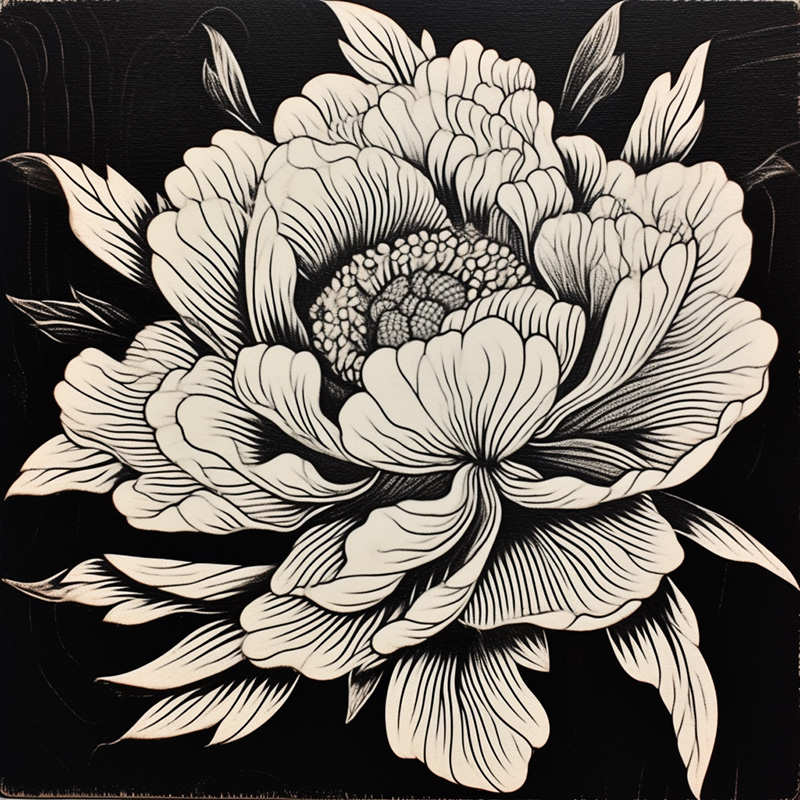
quickest results, least detailed results
4× faster and ¼ the GPU minutes.

less detailed results
2× faster and ½ the GPU minutes.

the default setting
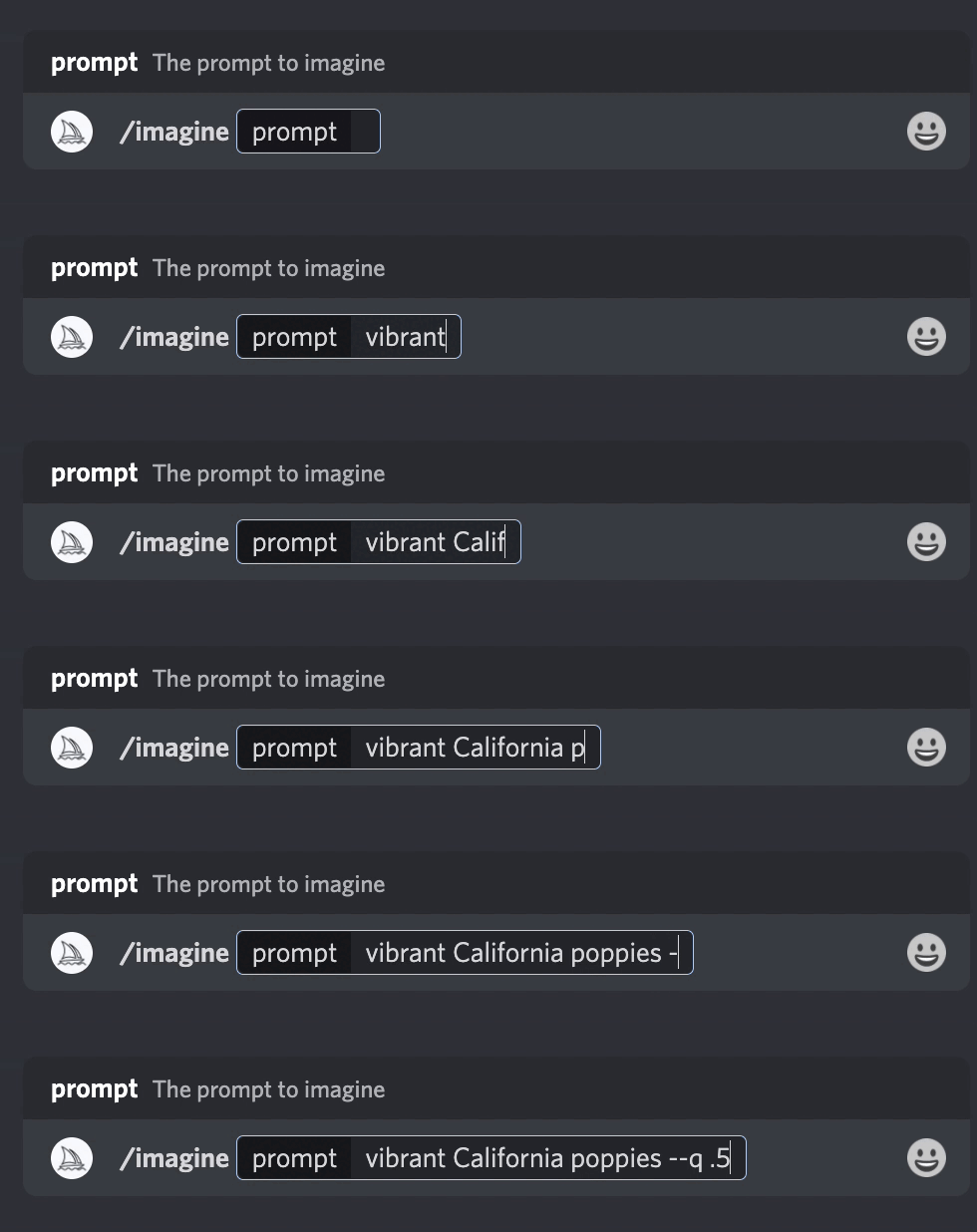
Add --quality <value> or --q <value> to the end of your prompt.