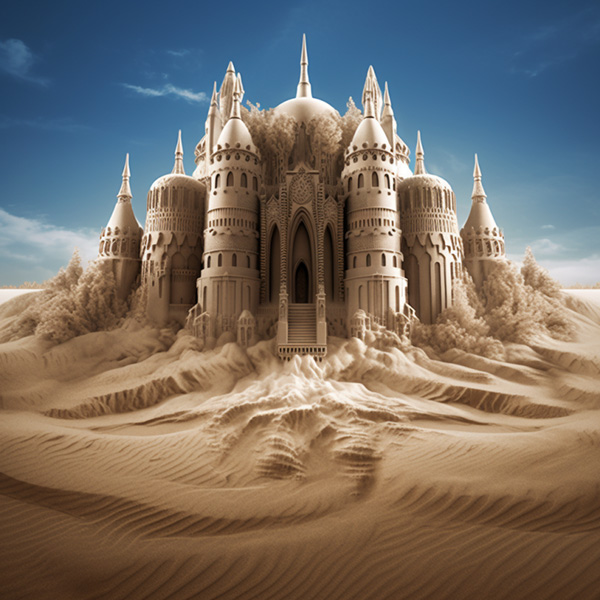
Upscalers
The newest Midjourney Model Version 5 (and Niji 5) produces high-resolution 1024 x1024 px image grids without needing an additional step to upscale each image. When using the latest Midjourney Models the U1 U2 U3 U4 buttons under each image grid will separate the selected image from the initial image grid for easy saving and downloading.
All sizes are for square 1:1 aspect ratios.
| Model Version | Starting Grid Images Size | Model Version 4 Default Upscaler |
|---|---|---|
| Version 5 | 1024 x 1024 | - |
| Version 4 | 512 x 512 | 1024 x 1024 |
| niji 5 | 1024 x 1024 | - |
| niji 4 | 512 x 512 | 1024 x 1024 |
Learn more about image sizes, dimensions, and DPI.
Earlier Midjourney versions start by generating a grid of low-resolution image options for each Job. You can use a Midjourney upscaler on any of these images to increase the size and add additional details. Using an upscaler uses your subscription’s GPU minutes.
Read more about legacy upscaling options.
The upscaler for Midjourney Model Version 4 increases image size while smoothing and refining details. Some small elements may change between the initial grid image and the finished upscale.
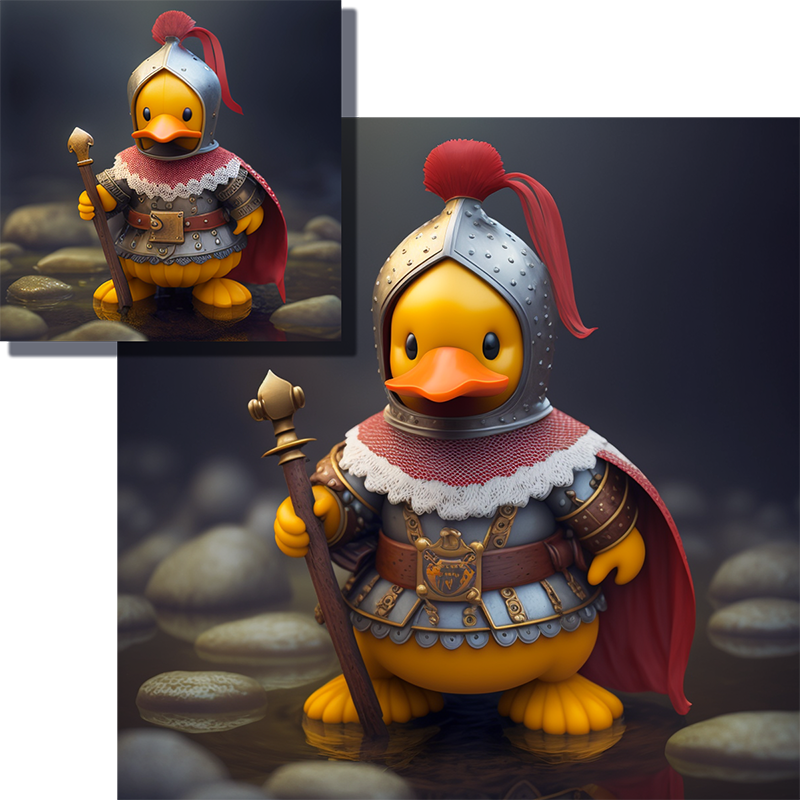
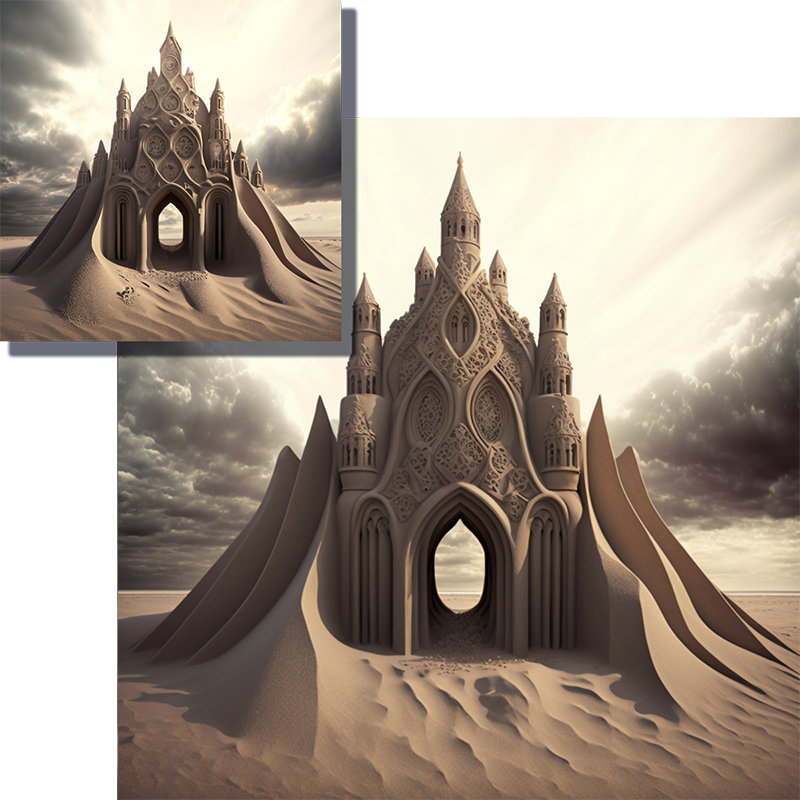
Remaster is an option for upscaled images made with previous Midjourney Model Versions. Remaster will create a new grid of images using the --v 5.1 parameter blending the composition of the original image and the coherency of the newer -v 5.1 model.
Remaster any previously upscaled job by clicking the 🆕 Remaster button beneath the original upscale.
To Remaster very old jobs, use the /show command to refresh that job in Discord.