Direct Messages
Midjourney subscribers can work one-on-one with the Midjourney Bot in their Discord Direct Messages.
Images made within your direct messages are still be subject to content and moderation rules and will be visible on your Midjourney website gallery.
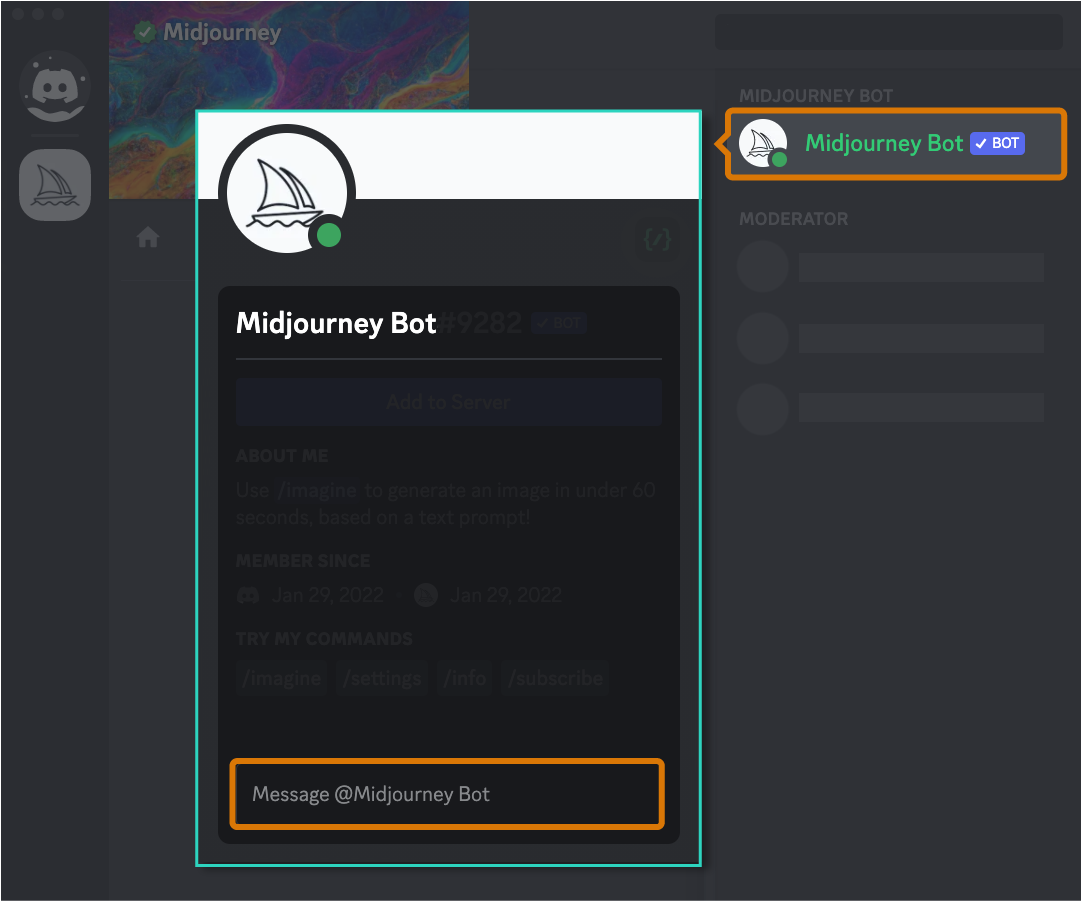
- Click on the Midjourney Bot from the Member List (or anywhere you see the Midjourney Bot’s name)
- Send any message to the Midjourney Bot.
- This will begin your Direct Message conversation with the Midjourney Bot.
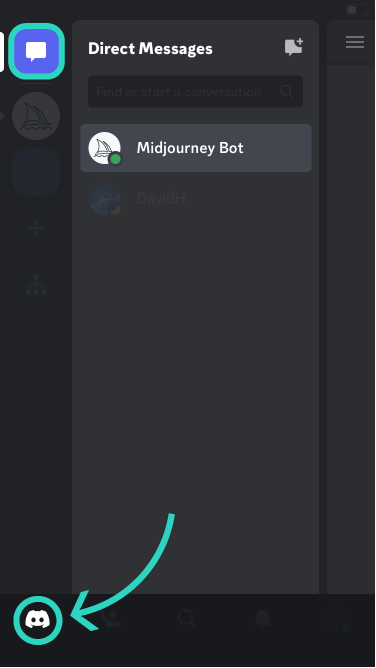
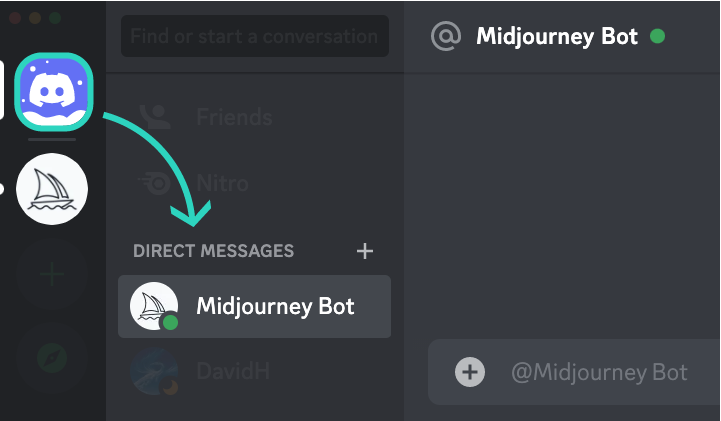
If you don’t see messages from the Bot, adjust your privacy settings:
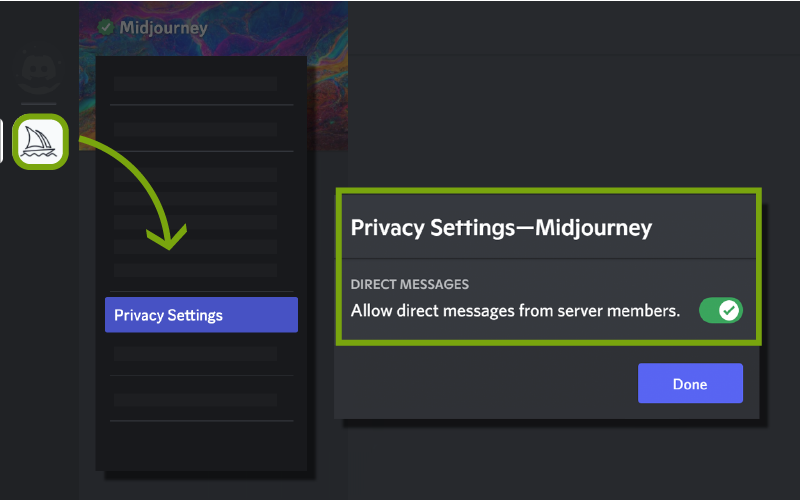
- Right-click the Midjourney server icon
- Select More Options
- Toggle “Allow direct messages from server members.” on
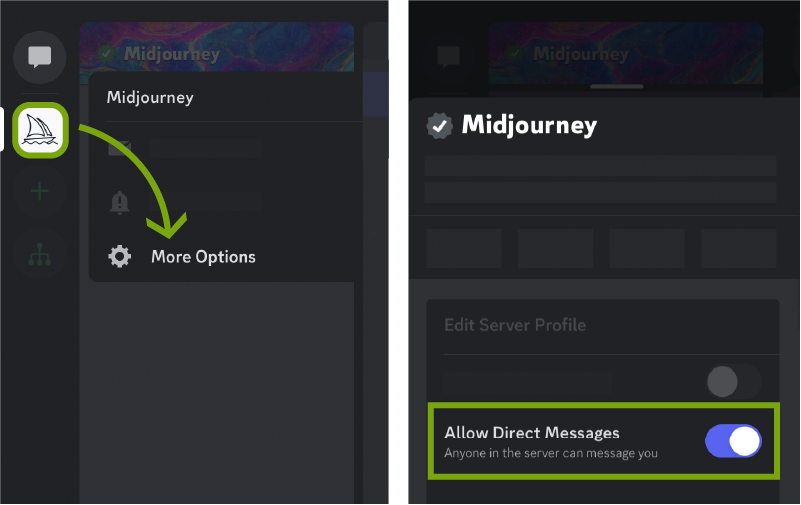
- Long-press the Midjourney server icon
- Select Privacy Settings
- Scroll down to the “Allow direct messages from server members” toggle.